
Get Started with ImmerShare Lite

Getting from zero to sharing your first 3D app takes under 5 minutes.

Step 1 — Download & Install

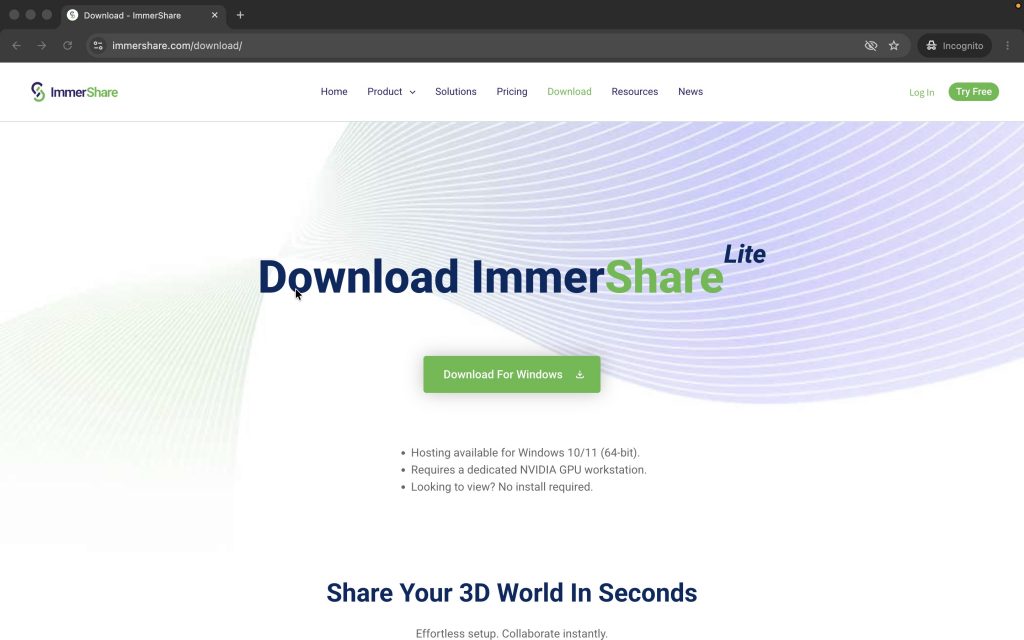
  1. Go to and click Download for Windows 
  2. Run the installer and launch ImmerShare Lite.
Step 2 — Create your account

  1. Open the app and sign in with Google or click Create Account with your email.
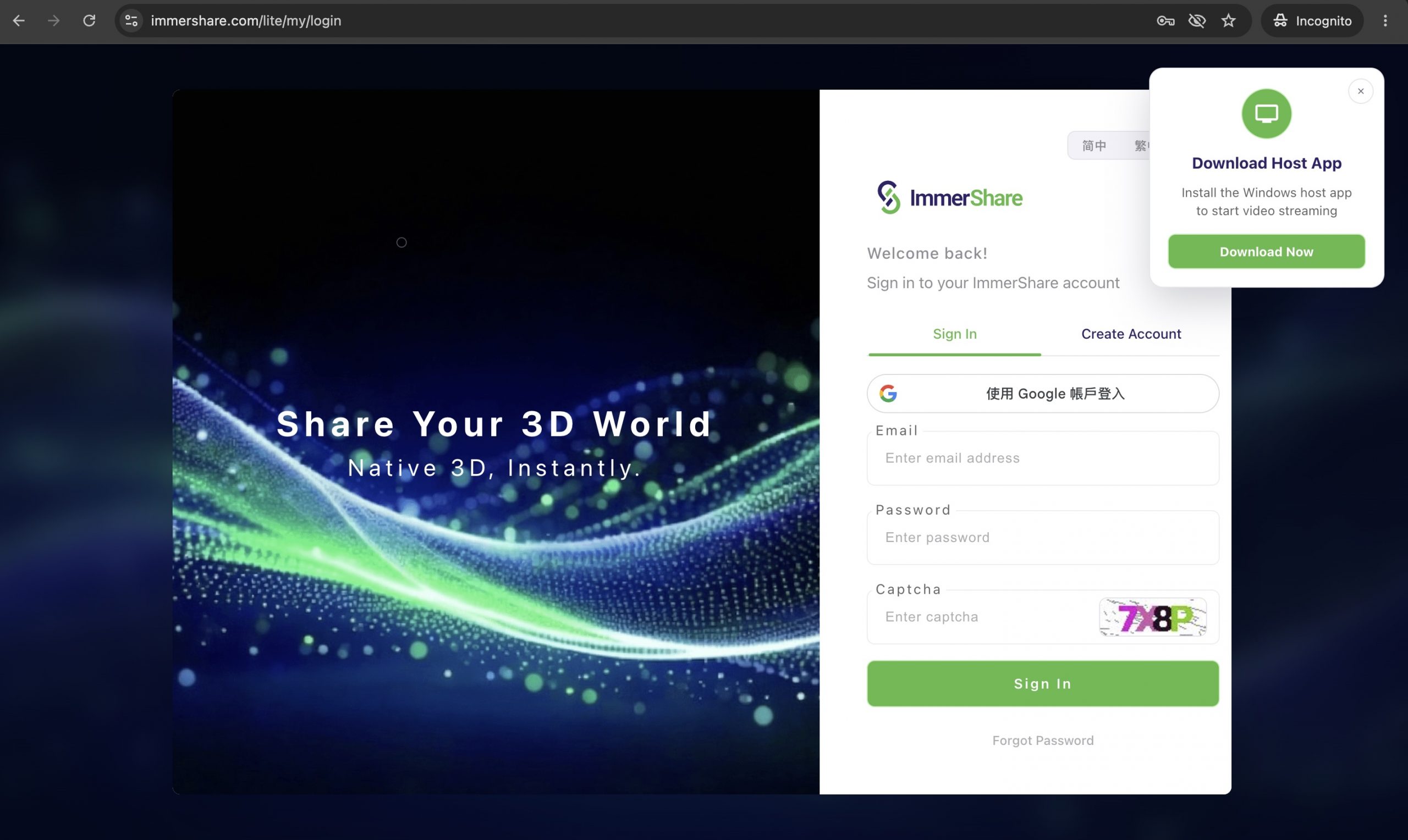
2. Complete registration, then return to the app.

Launch Special — Activate Free Basic Plan

Go to your Profile > Current Plan, click Activate Basic Plan — Free Now. Your account will upgrade instantly—no credit card required!

Step 3 — Select your 3D application

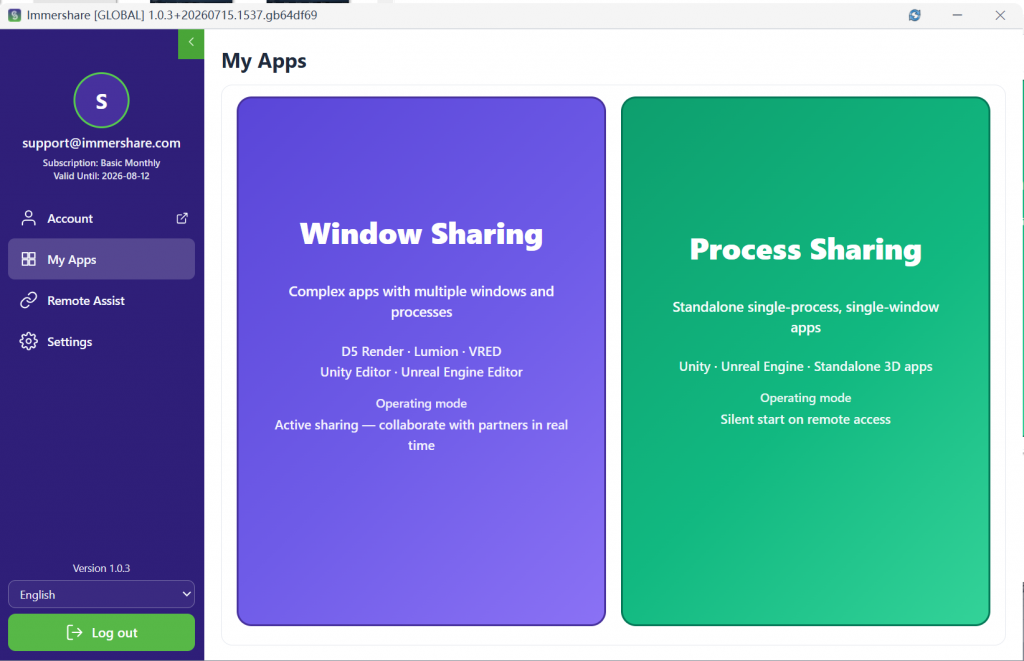
  1. Open My Apps in the left menu
  2. Choose your sharing mode
    • Window Sharing: For complex design software like D5 Render, Lumion, VRED, Unity Editor, or Unreal Engine Editor.
    • Process Sharing: For standalone .exe files built with Unity or Unreal Engine
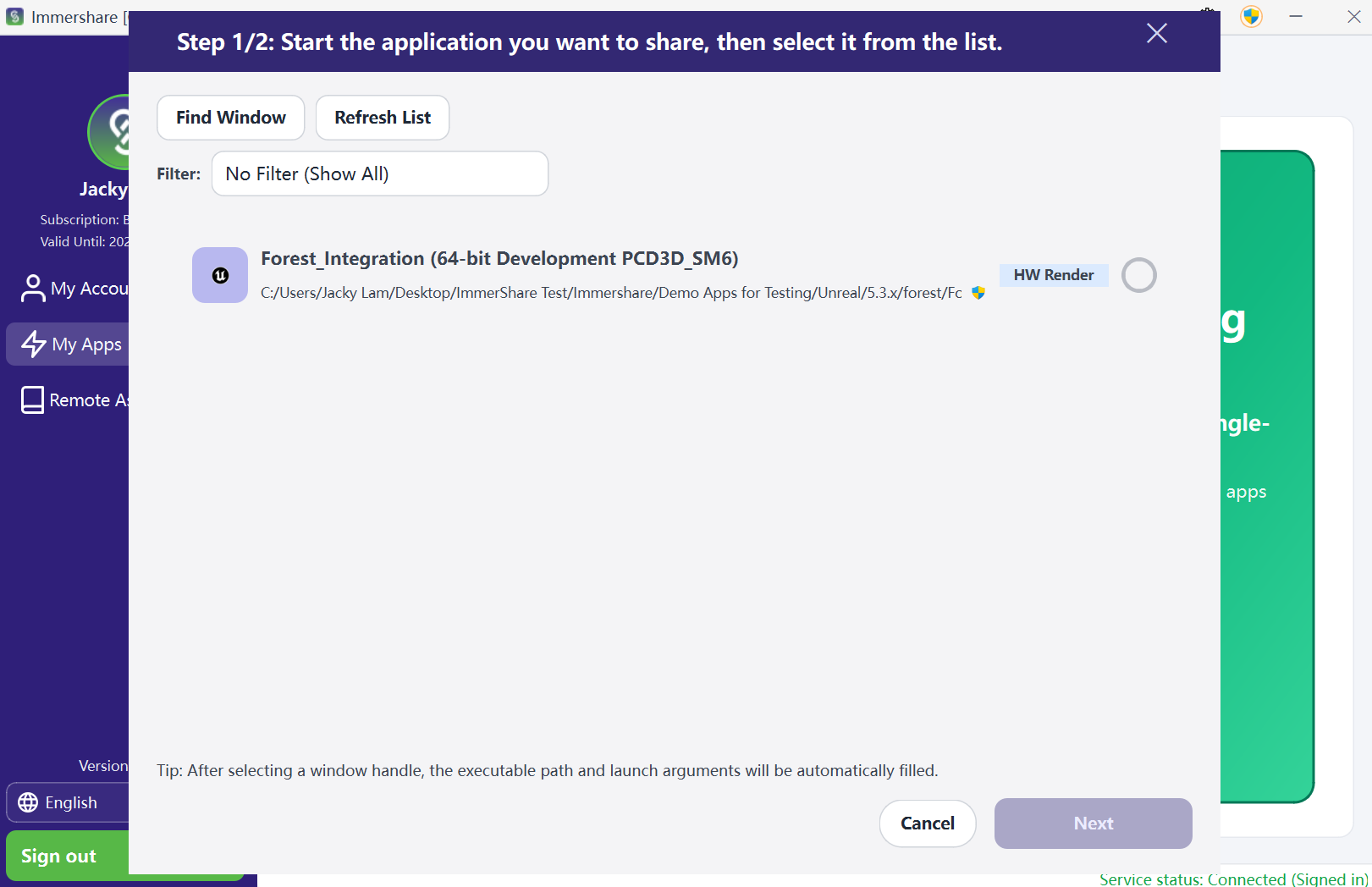
3. Pick your running 3D app from the list and click Next
Step 4 — Configure Settings

  1. Check your app details (Name, resolution, and password if needed)
  2. Click Save and Share.

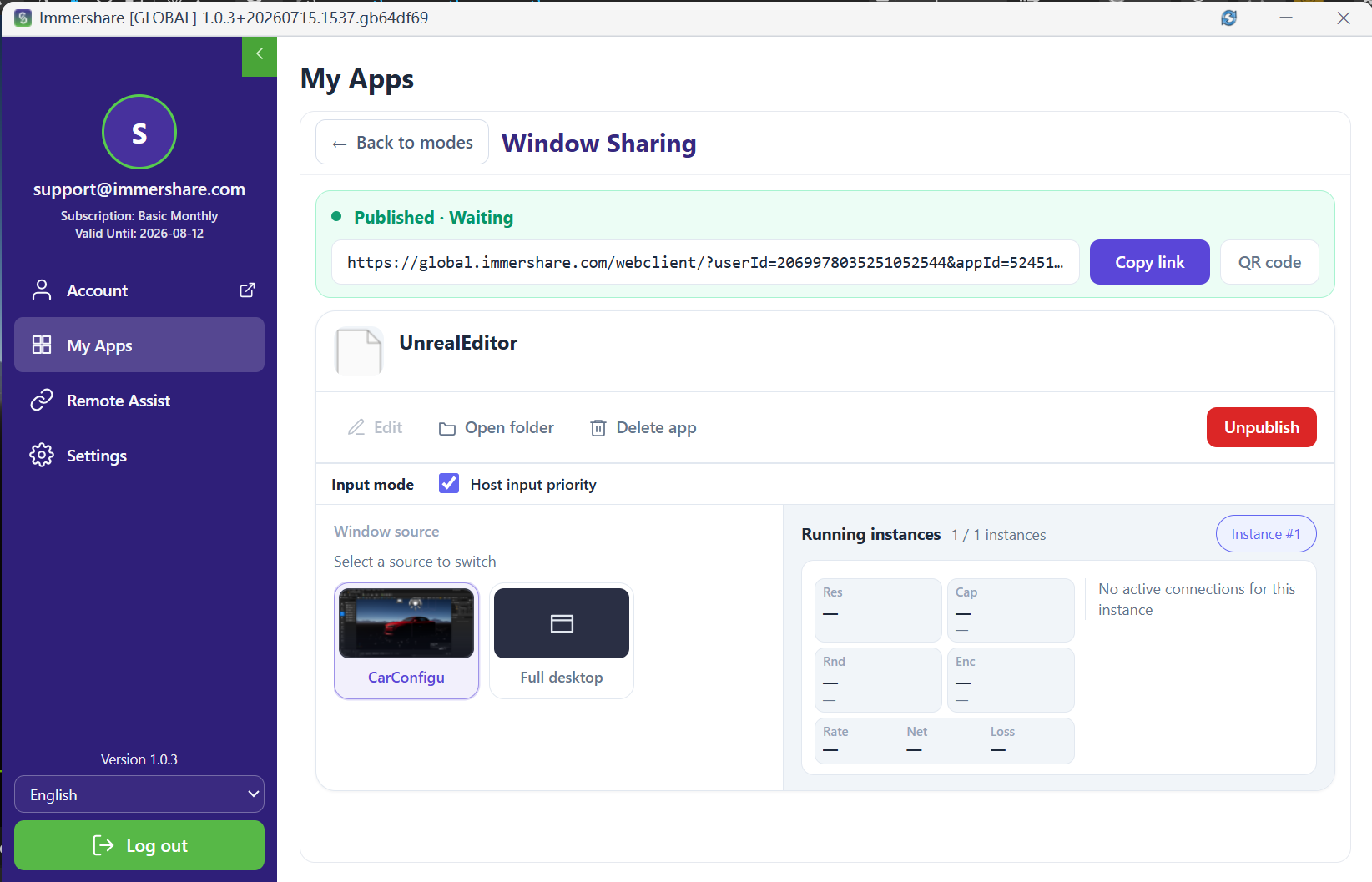
Step 5 — Publish & Share

  1. Click Publish on your app card.
  2. Copy the Share Link or QR Code and send it to your client.
  3. Your client opens it in any web browser—no installation or account needed!
Ready to Share Your 3D World?

Start streaming your 3D apps directly to your clients in minutes. No cloud GPUs, no viewer downloads, no setup friction

Scroll to Top